
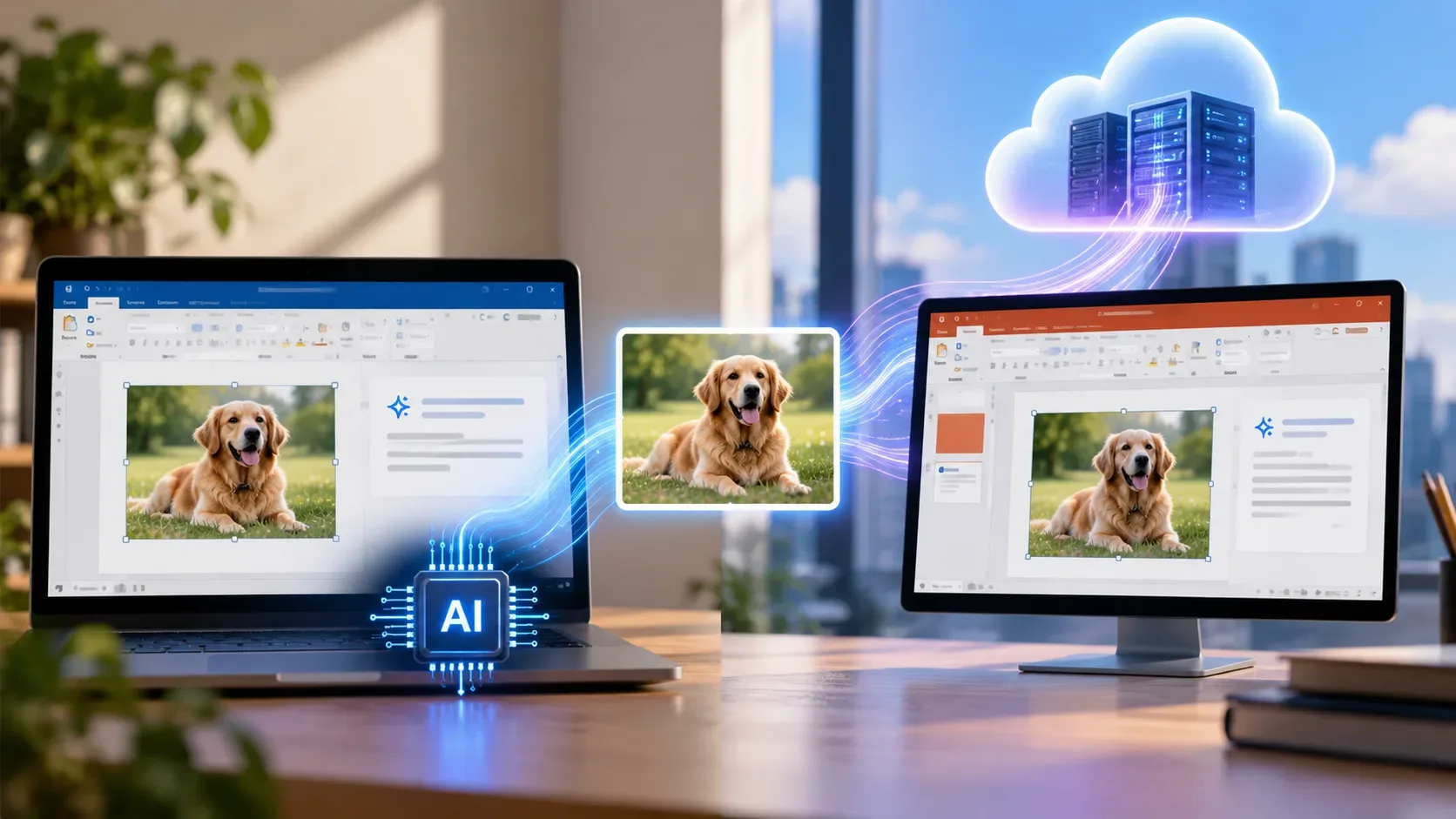
In Microsoft 365 Word and PowerPoint, AI-generated alt text can be produced on the computer or in the cloud. According to Microsoft, compatible Copilot+ PCs generate a description locally when an image is inserted, without sending that image away for this task. On other devices, the user requests a description and the image is sent to a Microsoft service. A Microsoft 365 subscription is required, but a separate Microsoft Copilot license is not.
Alternative text, or alt text, is a written description that lets screen readers convey information from an image to someone who cannot see it. Listing visible objects is not enough: the description needs to communicate what the image means in the document or presentation.
When does the image stay on the PC, and when does it go to the cloud?
| Situation | How generation starts | Where AI processes the image | Documented language support |
|---|---|---|---|
| Compatible Copilot+ PC | Automatic generation on image insertion when the feature is enabled | On the device, without uploading the image for this task | English only for local generation |
| Other devices | Manual request in the Alt Text pane or Accessibility Assistant | Microsoft cloud service after the explicit request | Includes Brazilian Portuguese, English and Spanish |
Copilot+ PC refers to a category of Windows computers with a neural processing unit (NPU) designed to accelerate AI tasks. Microsoft describes the category as having an NPU exceeding 40 TOPS, a measure of trillions of operations per second. Installing Word alone does not make on-device generation available.
The documentation describes these two routes but the FAQ does not provide an exhaustive list of app versions, builds, update channels or countries for each installation. The feature therefore needs to be checked in the version actually in use rather than assumed to behave identically in Word for the web, on Mac and in Windows apps.
What does Microsoft say about privacy and retention?
For on-device generation on Copilot+ PCs, Microsoft states that the model runs locally and no image information leaves the device for that process. For cloud generation, the company says the image is securely transmitted only after an explicit request, processed to produce the description and returned to the application.
Microsoft also states that the service neither retains image data nor uses it to train future models. It says the description is based on the visible image, without drawing on organizational Microsoft Graph data. These are vendor-documented assurances, not the result of an independent audit carried out by DTech.
Microsoft 365 documentation on connected experiences lists images used for alt-text services among content that may be processed in the cloud. This does not contradict the specific description of local generation: they are distinct paths. Nor does it prove an entire document stays offline, because storage, synchronization and other Microsoft 365 features follow their own rules. Check organizational policies before requesting remote processing of confidential images.
Do you need Copilot, and does Portuguese work offline?
Microsoft’s FAQ requires a Microsoft 365 subscription but not an additional Microsoft Copilot license. Copilot+ PC names a hardware category, not a subscription plan that automatically unlocks all Copilot functions.
At the time of this review, Microsoft says on-device generation on Copilot+ PCs supports English only. Its published online-language list includes Brazilian Portuguese (pt-BR) and Spanish for Spain (es-ES), among other languages. An app displayed in Portuguese should therefore not be taken as proof of local generation in that language. Language support does not guarantee that the feature has appeared in every account or on every platform.
How to generate, review or skip alt text
- In a compatible version of Word or PowerPoint, select the image and open the Alt Text pane, for example through the image context menu. Control names and locations can vary by application version and language.
- If a suggested description appears, read it before approving. On devices that use the cloud, request generation manually only when uploading the image is appropriate.
- Rewrite the description to convey the important information in that image. Avoid file names, repeated captions and details the picture does not establish.
- If the image is purely decorative, use the option to mark it as decorative instead of adding a description that distracts screen-reader users.
- Run the Accessibility Checker to find other issues. On Copilot+ PCs, Microsoft documents an option to switch off automatic generation under File > Options > Accessibility.
Charts and organization diagrams may require a longer explanation in the body text, an accessible table or a supplementary description alongside short alt text. Brazil’s eMAG accessibility guidance and the federal alt-text guide stress preserving the relevant information rather than merely listing shapes and colors.
Why human review still matters
Microsoft warns that AI descriptions may be vague, inaccurate, incomplete or biased, especially for complex scenes, blurred images and specialist material. Its FAQ describes internal evaluations using real-world images, human reviewers and automated checks, but does not give an accuracy rate that would justify promising consistent quality across every image or language.
The tool is intended for accessibility, not for identifying individuals, inferring emotions or sensitive attributes, or making medical, legal, financial or employment decisions. When a slide contains figures, relationships or analytical conclusions, the author must verify that the alt text communicates them correctly.
In practice, three questions matter: does the computer support local generation, is the needed language supported, and may the image be sent to an external service? If the answer to the last question is no, the author can still write alt text manually without asking AI to generate it. Protecting the image and making the content accessible are separate decisions.