
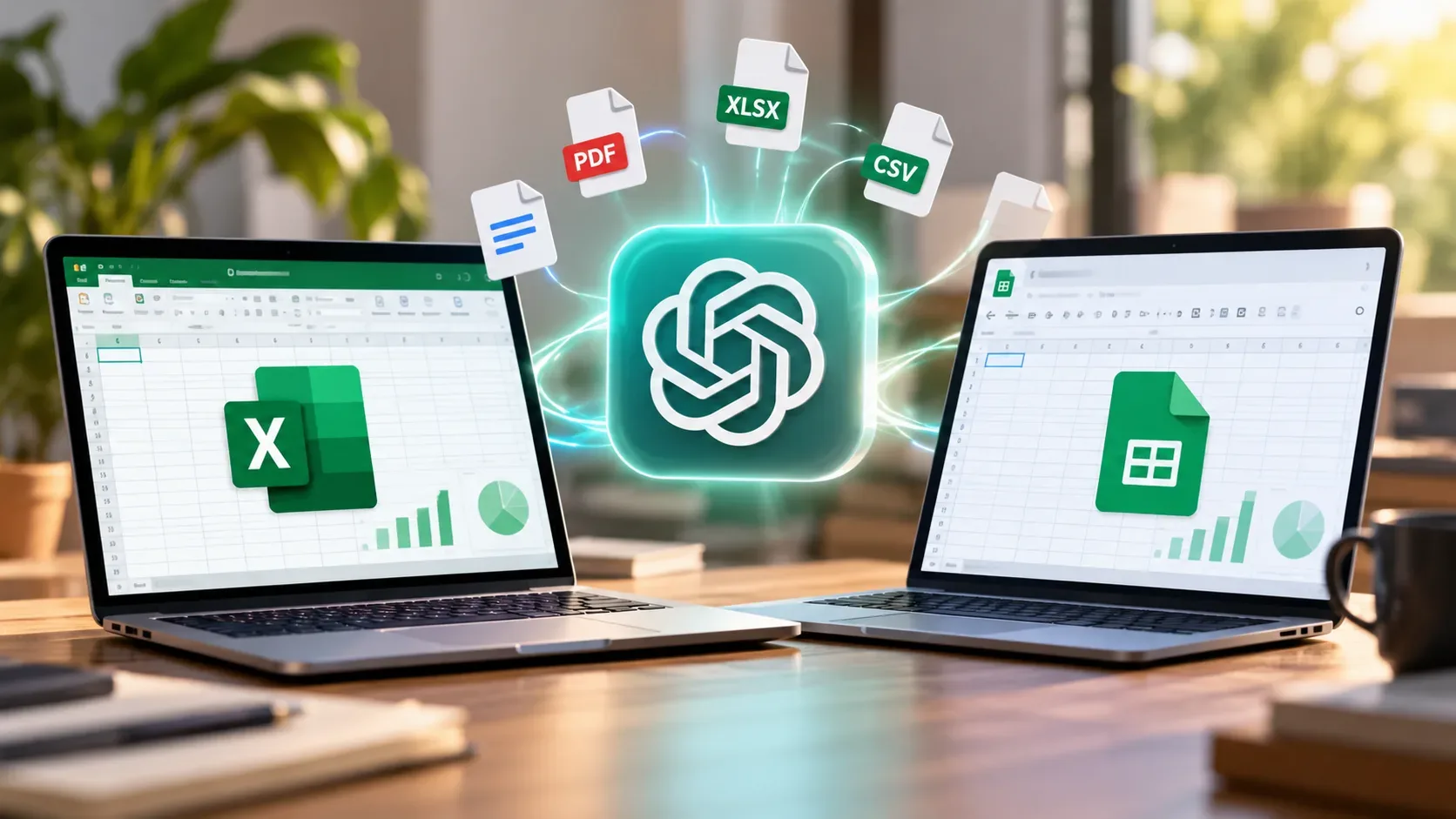
Yes. As of October 24, 2026, ChatGPT for Microsoft Excel and Google Sheets is documented as globally available, including in Brazil, for Free, Go, Plus, Pro, Business, Enterprise, Edu, and K-12 plans. This does not mean unlimited use or automatic installation: limits differ by plan, and managed accounts may require organizational approval. The main difference from uploading a file to ChatGPT is that the AI works inside the spreadsheet through a sidebar, where it can inspect and edit cells, formulas, and sheets.
Who can use it in Brazil, and how is usage charged?
OpenAI's Help Center lists Excel and Google Sheets under the same eligibility rules but describes them as separate integrations. Brazil is covered by the announced global availability. Individual users need to sign into the add-in with an eligible ChatGPT account; in companies and educational institutions, workspace permissions can prevent access even when the plan itself qualifies.
- Free and Go: include limited access to the integrations, with no guarantee of a fixed number of tasks.
- Plus and Pro: include access subject to each plan's agentic usage limit, shared with other agentic features under the applicable terms.
- Business, Enterprise, Edu, and K-12: provide access according to plan credits, usage terms, and administrator permissions. The free organizational preview cited by OpenAI ended on June 2, 2026.
Consumption depends on workbook size and task complexity. The documentation reviewed does not provide a universal daily quota of free tasks or a single price in Brazilian reais per spreadsheet. Global availability therefore should not be read as unlimited free usage.
Why did the March report mention only a few countries?
On March 5, 2026, OpenAI introduced ChatGPT for Excel in beta, a public testing stage with its own access conditions. A March 6 Canaltech report described an initial release to subscribers on selected plans in the United States, Canada, and Australia, and said a Google Sheets version would follow. OpenAI's own launch announcement, however, described a broader geographic scope at that time for certain business and education accounts, as well as Plus and Pro users outside the European Union. These two descriptions of the initial rollout did not fully agree; neither should be repeated as the current rule.
The official timeline records ChatGPT for Google Sheets entering beta on April 22, 2026, followed by general availability for both integrations across all plans on May 5, 2026. The support page checked on October 24 confirms global availability and explains account-specific terms. The March coverage therefore captures an earlier period rather than a restriction currently applying to Brazil.
How does this differ from uploading an Excel or CSV file to chat?
When someone attaches an .xlsx, .xls, or .csv file to a regular ChatGPT conversation, they can ask the service to inspect the data, identify patterns, calculate indicators, or produce tables and charts. This may involve code-backed analysis and results delivered in the conversation. The native integration starts elsewhere: the workbook remains open in Excel or Google Sheets while the user directs the AI to create, explain, or modify content within that document.
| Aspect | Excel or Sheets add-in | File uploaded to chat |
|---|---|---|
| Where work happens | Sidebar alongside the open spreadsheet | ChatGPT conversation with an attached file |
| Main tasks | Explain and edit tabs, cells, formulas, and spreadsheet models in context | Investigate data, calculate results, summarize findings, and generate analyses or files |
| Editing workflow | Request changes in the live workbook and review affected cells | Analyze the attachment and separately review any generated output or file |
| Conversation continuity | Add-in history is separate from main chat; it cannot access ChatGPT memory | Interaction stays in the conversation where the file was provided |
The add-in should not be confused with accessing a Google Drive spreadsheet through a connected app, or with a developer API. Those are distinct product routes with their own permissions and capabilities. Installing the integration also does not automatically make every existing spreadsheet AI-verified.
How to install ChatGPT in Excel and Google Sheets
In Microsoft Excel: open the desktop or web app; go to Home > Add-ins (labels may vary with the interface language); search for ChatGPT; add it; open it from the ribbon; and sign in with an eligible ChatGPT account. Where the organization's store is unavailable, the documentation describes deployment by a Microsoft 365 administrator using an XML manifest.
In Google Sheets: install ChatGPT from Google Workspace Marketplace, open a spreadsheet, use the Extensions menu to launch ChatGPT, and sign in with the relevant account. In managed workspaces, an administrator may have to enable the specific ChatGPT for Excel and Google Sheets permission. A qualifying subscription does not override that requirement.
The documentation also describes an additional workflow in which Codex in the ChatGPT desktop app interacts with an open Excel workbook, provided the add-in is installed and the accounts match. This direct-control workflow is currently documented for Excel only and may not be used for every request. It is not required for the standard sidebar experience.
Precautions before editing a real workbook
A useful instruction specifies which sheets and ranges may change, what must remain intact, and how edits should be reported. For example: “Explain the formula in cell B145 without changing any other cells” or “Update only the Inputs sheet and list every modified cell”. These are sample prompts, not results from hands-on testing by DTech.
OpenAI warns that formulas, calculations, and citations can be wrong and that advanced features such as macros and VBA may not be fully supported. Duplicating a workbook and checking the changes matters especially for financial controls, statements, and interdependent formulas.
Privacy needs attention too. According to the Help Center, ChatGPT processes the prompt, attachments, and relevant spreadsheet context. OpenAI says some logs may be retained for 30 days for safety and integrity, and notes that Excel and Sheets usage is also governed by agreements with Microsoft or Google. In the case of the Excel add-in distributed through Microsoft's marketplace, marketplace terms may allow Microsoft to access workbook content, attachments, and prompts. Organizations should review their policies and permissions before connecting confidential data.
For editing an existing model in place, the integration is the more direct documented workflow if access is enabled. For investigating a one-off file and receiving analysis in the conversation, attaching it in chat remains an option. This distinction reflects documented workflows, not a performance comparison based on DTech testing.